NDA and letter of intent builder
Fill in the parties, dates and key terms, check the live preview, then download a plain-English template as a Word file. It is a template for convenience only, not legal advice. Have a lawyer review it before anyone signs.
This is a template, not legal advice. Have a lawyer review it before anyone signs. Quebec agreements often need Civil Code review and may be drafted in French, so have a Quebec lawyer check them.
Runs entirely in your browser. The text you enter is not uploaded, and the Word file is built on your device.
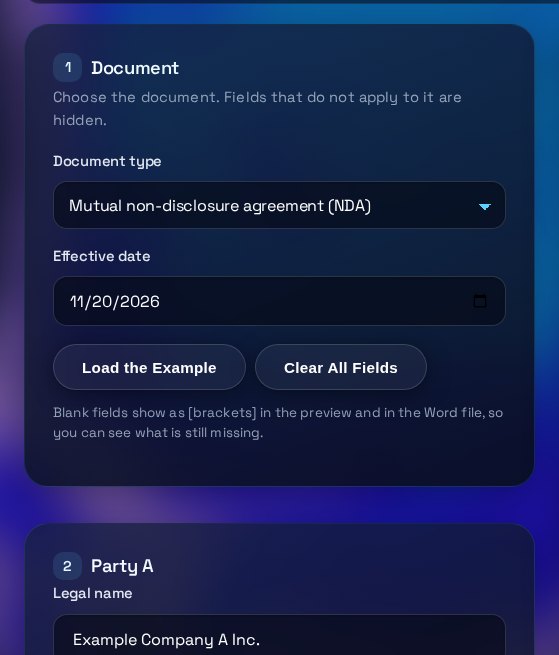
Document
Choose the document. Fields that do not apply to it are hidden.
Blank fields show as [brackets] in the preview and in the Word file, so you can see what is still missing.
Party A
Party B
NDA terms
Letter of intent terms
Governing law
Preview and download
Download the Word file or copy the text, then review it with a lawyer.
The preview is a convenience copy. Review the Word file before you use it.
How to use the NDA & LOI Document Builder
The builder turns the form into a plain-English draft. Use it to start the conversation, then have a lawyer in the right province or state review the final text.
What each input does
The document type sets the structure: a mutual NDA, a one-way NDA with a disclosing party, or a letter of intent with non-binding and binding sections. Each party block takes a legal name, province or state, address and signatory. The effective date and the confidentiality period set the timeline. The purpose describes why information is shared, and the governing law line names the law the document refers to.
How to read the preview
The preview is the text that goes into the Word file. Headings and numbered clauses match the .docx. Anything in [square brackets] is a field you have not filled in yet. The status line above the preview counts those blanks. Read every clause that names a party, a date or a law, because those are the points most often wrong in a template.
Common mistakes
Using a trading name instead of the registered legal name. Leaving the purpose too broad, which widens what the NDA covers. Choosing a governing law without thinking about where the parties are. Signing the preview or a printed copy without reviewing the Word file. Forgetting that the letter of intent has binding sections, such as exclusivity and confidentiality, even though the deal terms are not binding.
What to do next
Download the Word file and send it to a lawyer in the province or state whose law you chose, with the facts of the deal. Ask them to check the clauses, the governing law and any trade-secret wording. Keep this generated version so you can compare it with their changes, and do not sign until the final version is agreed by everyone.
Three steps
The short version, if you want to get straight to your answer.
- Choose the document. Pick a mutual NDA, a one-way NDA or a letter of intent. Fields that do not apply are hidden.
- Enter the parties and terms. Add each party's name, province or state, address and signatory. Add the purpose, or the deal terms for a letter of intent.
- Check the preview and download. Read the preview, then download a .docx file that should open in Microsoft Word, Google Docs or LibreOffice.
Tips for accurate results
Small input choices change the answer. These are the ones that matter most.
- Use each party's exact registered legal name, and the signatory's real title. A small error in a name is easy to miss in a draft, so check it against the company records.
- Keep the purpose narrow, for example evaluating a possible partnership. Information is covered for the purpose you describe.
- Pick the confidentiality period deliberately. Clause 4.2 keeps trade-secret information protected for as long as it remains a trade secret, even after the confidentiality period you set has ended.
- The template is in English only. For a Quebec party, have a Quebec lawyer check it, and expect that a French version may be needed.
- Use the copy button to paste the text into an email for the other party, but send the Word file for review, not the preview.
Questions about the NDA & LOI Document Builder
Answers to the questions people ask most often.
Is this a valid NDA in Canada?
This tool cannot confirm that. It is a plain-English template that does not cover every situation, and whether any agreement is valid and enforceable depends on the facts, the wording and the law that applies. Have a lawyer in the relevant province or state review it before anyone signs.
Can I edit the Word file?
Yes. The download is a normal .docx file, so you can change the wording in Microsoft Word, Google Docs or LibreOffice. Keep the generated version so you can compare it with any changes a lawyer makes.
Is the text I enter sent anywhere?
No. The document is built in your browser and downloaded to your computer. TRIZAN does not receive the text, and nothing is saved on a server.
Which governing law should I choose?
Choose the province or state whose law should govern the agreement. Quebec agreements often need Civil Code review and may be drafted in French, so have a Quebec lawyer check them.
What is the difference between a mutual and a one-way NDA?
A mutual NDA covers information flowing both ways, so each party can be a discloser and a recipient. A one-way NDA names one Discloser and one Recipient. Pick the one that matches who will share information. The letter of intent is for early deal terms and has some sections that are binding.
More free tools
Other tools from TRIZAN you might use next.
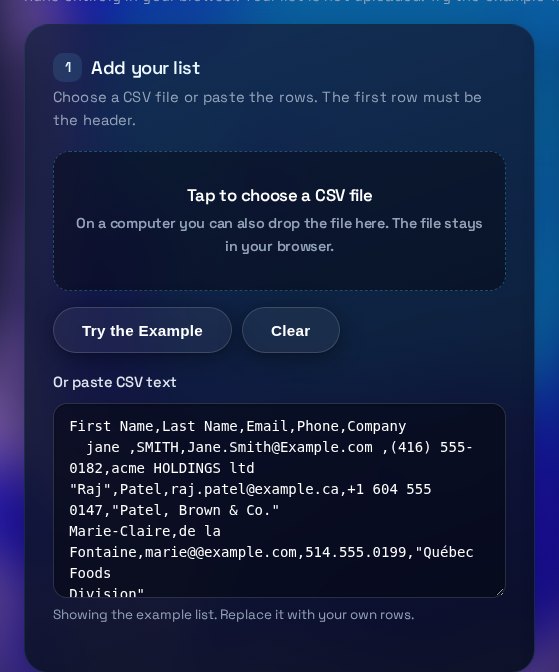 Operations and documentsCSV Lead List CleanerClean a CSV lead list in your browser. Fix emails and phone numbers, remove duplicates, download the result.Open the tool
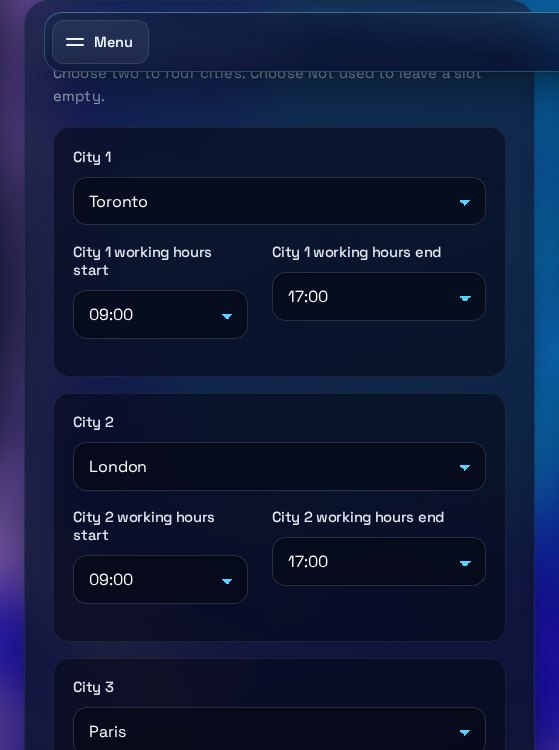 Operations and documentsTime Zone Overlap FinderFind shared working hours for up to four time zones, with daylight saving for your date. Copy the time.Open the tool
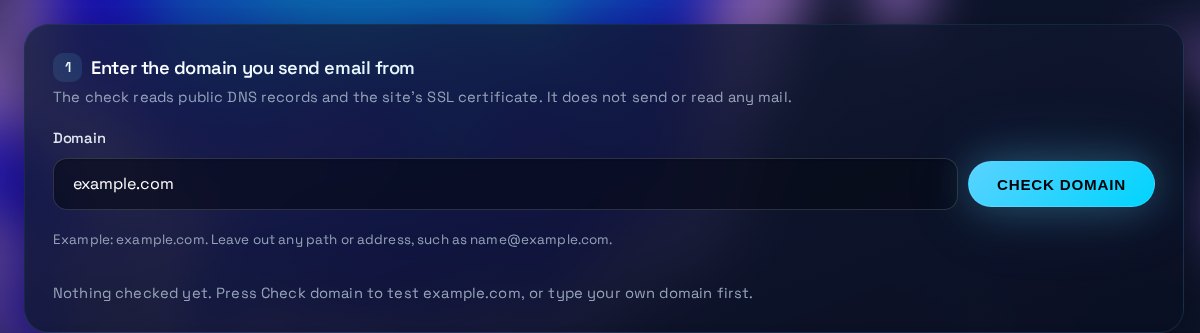 Email and securityEmail DNS & SSL CheckerCheck a domain's SPF, DMARC, DKIM, MX and SSL certificate, with a plain-English fix for each gap.Open the tool