Find a meeting time across time zones
Pick two to four cities and their working hours. The tool shows the hours when everyone is at work on a given day, with daylight saving applied for that date.
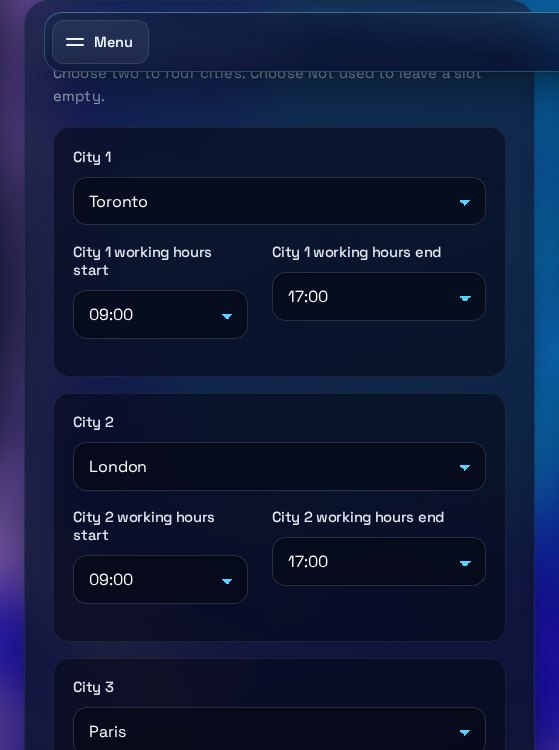
Runs entirely in your browser. Pick the cities, hours and date, and the overlap updates straight away.
Cities and working hours
Choose two to four cities. Choose Not used to leave a slot empty.
Date and reference city
Use the day you plan to meet. Daylight saving is applied for that date.
Shared working hours
Copy the meeting time
Copies the first overlap window, with the time in every selected city.
Working hours hour by hour
Each column is one hour of the reference day, on the reference city's clock. On a phone, swipe sideways to see all 24 hours.
How to use the Time Zone Overlap Finder
Read the page top to bottom: set the cities and hours, check the date, then read the overlap windows. The grid shows the same answer hour by hour.
What each input does
Each city slot takes a city and a working-hours start and end. Pick Not used to leave a slot empty. The date sets the daylight saving rules for every city, so choose the day you plan to meet. The reference city decides whose clock the grid and the times use. An end time of 24:00 means the city works until midnight.
How to read the output
Each overlap window is a block of time when every selected city is inside its working hours. The first time is on the reference city's clock, and the other cities are listed under it. Shared hours counts the hours inside every city's working hours. In the grid, bright cells are hours when everyone is at work, and pale cells are hours when only that city is. A "(next day)" note in the list, or +1 day in the copied line, means that city is on another date.
Common mistakes
Using a date far from the one you will meet, which can miss a daylight saving change. Assuming a window is long enough for a late start, when it may be only an hour. Entering working hours from memory instead of each person's schedule. Assuming a country that does not use daylight saving follows its neighbours' clocks. On a clock-change night one local hour can be skipped or repeated.
What to do next
Copy the meeting line and paste it into the invite. Ask each person to check the time in their own calendar, since the calendar shows the same moment in their zone. If there is no overlap, widen one city's hours, choose a second date, or drop a city. Plan for the people who must attend, not for everyone on the list.
Three steps
The short version, if you want to get straight to your answer.
- Choose the cities. Pick two to four cities. Leave a slot on Not used to skip it.
- Set the hours and date. Adjust each city's working hours and choose the date. The grid and overlap list update straight away.
- Copy the meeting time. Copy a ready-to-paste line with the overlap in every city's local time.
Tips for accurate results
Small input choices change the answer. These are the ones that matter most.
- Enter working hours in each city's local time. The grid converts them, so 09:00 to 17:00 means the working day in every city.
- Check the day you will actually meet. The US and Europe change their clocks on different dates, so an overlap can shift by an hour for a few weeks each spring and autumn.
- Choose the reference city where most of the attendees live, so the grid and the first time read the way they expect.
- A window that runs past midnight on the reference city's clock appears as two windows, one ending at 24:00 and one starting at 00:00.
- Check any next-day or previous-day note before you send the invite. It means that city has moved to another calendar date.
Questions about the Time Zone Overlap Finder
Answers to the questions people ask most often.
Does it handle daylight saving?
Yes. It uses the time zone rules for the date you choose, so a meeting in March can differ from one in July. On a clock-change day, one hour may not exist or may appear twice, so pick a date away from the change if you can.
Can I share the result?
Yes. Copy the meeting time and paste the line into an email or a calendar invite. The page has no share link and does not store your choices, so the text you send is the only record.
Why is one city the reference?
Each column in the grid is one hour on the reference city's clock. Change the reference city to read the same overlap from another city's point of view.
What if the cities have no overlap?
The tool says so. Widen one city's working hours, choose a different date, or remove a city from the list.
Does it send my data anywhere?
No. Calculations run in your browser using the time zone data built into it. Nothing you enter is sent to TRIZAN.
More free tools
Other tools from TRIZAN you might use next.
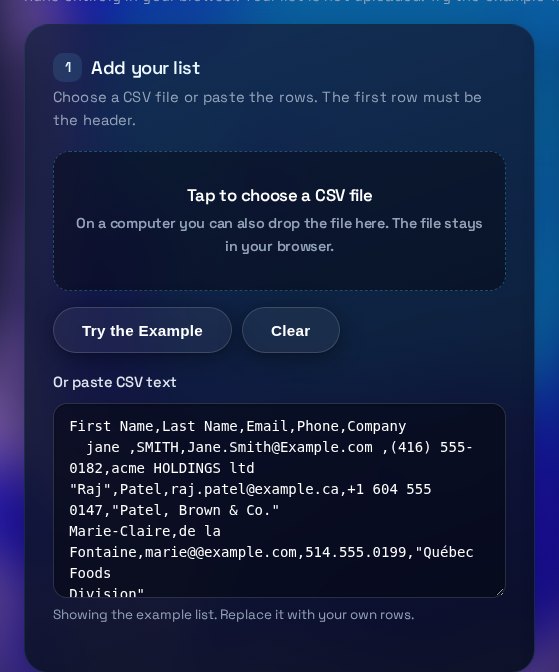 Operations and documentsCSV Lead List CleanerClean a CSV lead list in your browser. Fix emails and phone numbers, remove duplicates, download the result.Open the tool
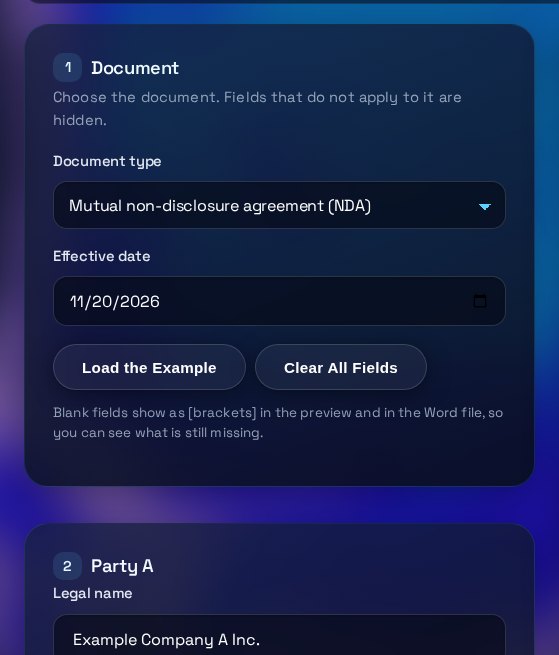 Operations and documentsNDA & LOI Document BuilderFill in a form to get a plain-English NDA or letter of intent, preview it, and download a Word file.Open the tool
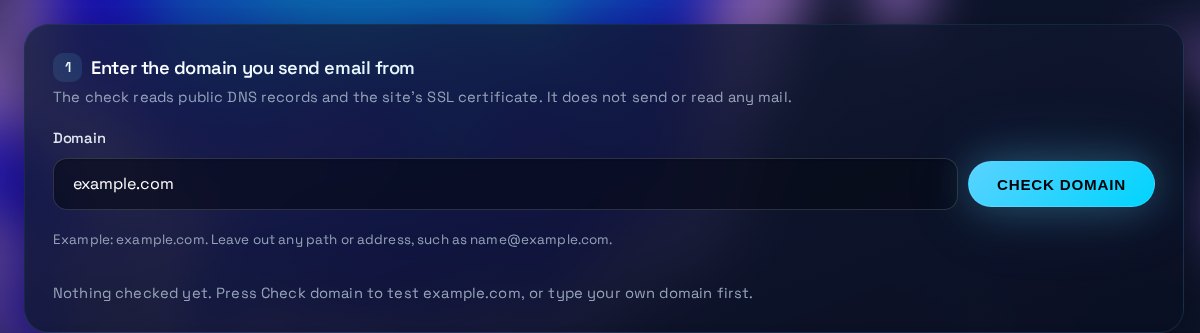 Email and securityEmail DNS & SSL CheckerCheck a domain's SPF, DMARC, DKIM, MX and SSL certificate, with a plain-English fix for each gap.Open the tool